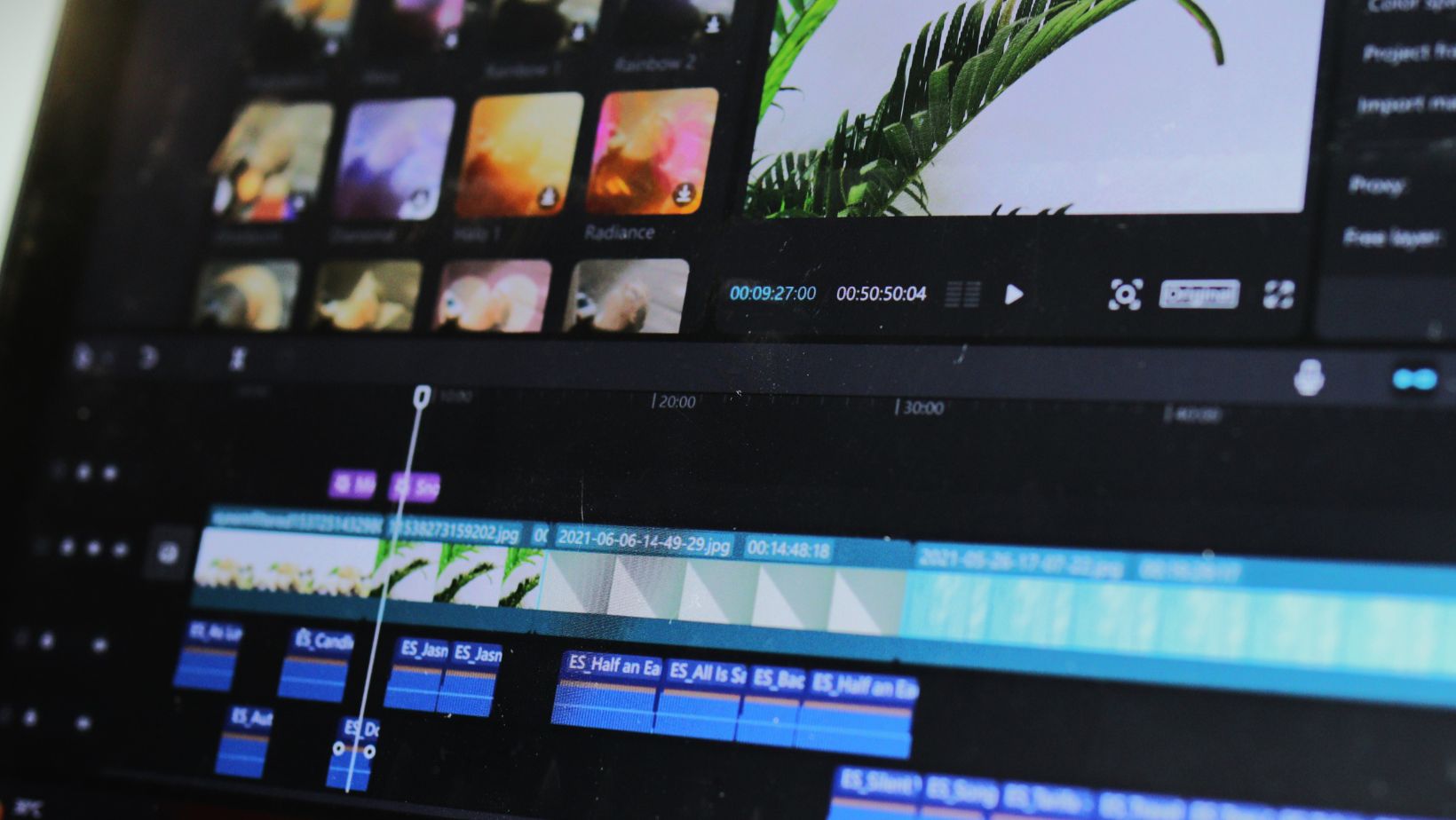
Video editing in 2025 demands more power than ever. Modern workflows involve 4K and 8K footage, heavy effects, and AI-driven tools. Without the right machine, even simple projects turn sluggish.
A strong CPU handles multiple streams of video at once. A capable GPU accelerates previews and renders. Fast storage shortens loading times and project saves. Adequate memory prevents slowdowns during complex edits.
This guide highlights the best PC builds for different budgets and skill levels. Whether you’re cutting simple interviews or grading cinematic footage, you’ll find a configuration that matches your needs.
Core Components You Need for Video Editing
CPU (Processor)
The processor drives most of the editing workload. Modern editors benefit from CPUs with many cores and high clock speeds. Intel i7/i9 or AMD Ryzen 7/9 chips deliver smooth performance for 4K and beyond. For advanced users, workstation-grade CPUs handle multiple streams and effects without lag.
GPU (Graphics Card)
A strong GPU makes a clear difference. Real-time playback, color grading, and fast exports rely on it. NVIDIA’s RTX 40-series and AMD’s latest Radeon cards are popular choices. Aim for at least 8–12GB of VRAM if you work with 4K footage.
RAM (Memory)
Memory capacity sets the ceiling for how many clips and effects you can keep active. For basic 1080p projects, 16GB is enough. Editing in 4K runs better with 32GB. Heavy workloads, 3D effects, or 8K timelines call for 64GB or more.
Storage
Speed here cuts waiting time. An NVMe SSD is ideal for your OS and active projects. Standard SSDs still work well for secondary drives. HDDs remain cost-effective for long-term archiving. For best results, keep a fast SSD as a scratch disk for temporary files.
Motherboard and Expansion
Your motherboard sets the limits for growth. Pick one with multiple M.2 slots for SSDs and enough PCIe lanes for future GPU upgrades. Modern boards also bring fast USB and Thunderbolt ports, which help with external drives and cameras.
Power Supply and Cooling
Stable power protects all components. A quality PSU with headroom supports upgrades later. Good cooling keeps performance consistent during long renders. Air coolers work fine for mid-range builds, while liquid cooling is useful for high-end systems.
Compact Alternatives: Mini PCs and Software Options
Not every editor wants a full tower build. Mini PCs have become a strong alternative for those who need portability without giving up power.
The Minisforum UM790 Pro is one of the most capable compact systems available in 2025. It packs a Ryzen 9 processor, DDR5 memory support, and fast NVMe storage in a small form factor. This makes it suitable for 4K editing on the go, whether you’re working from a small studio or moving between locations.
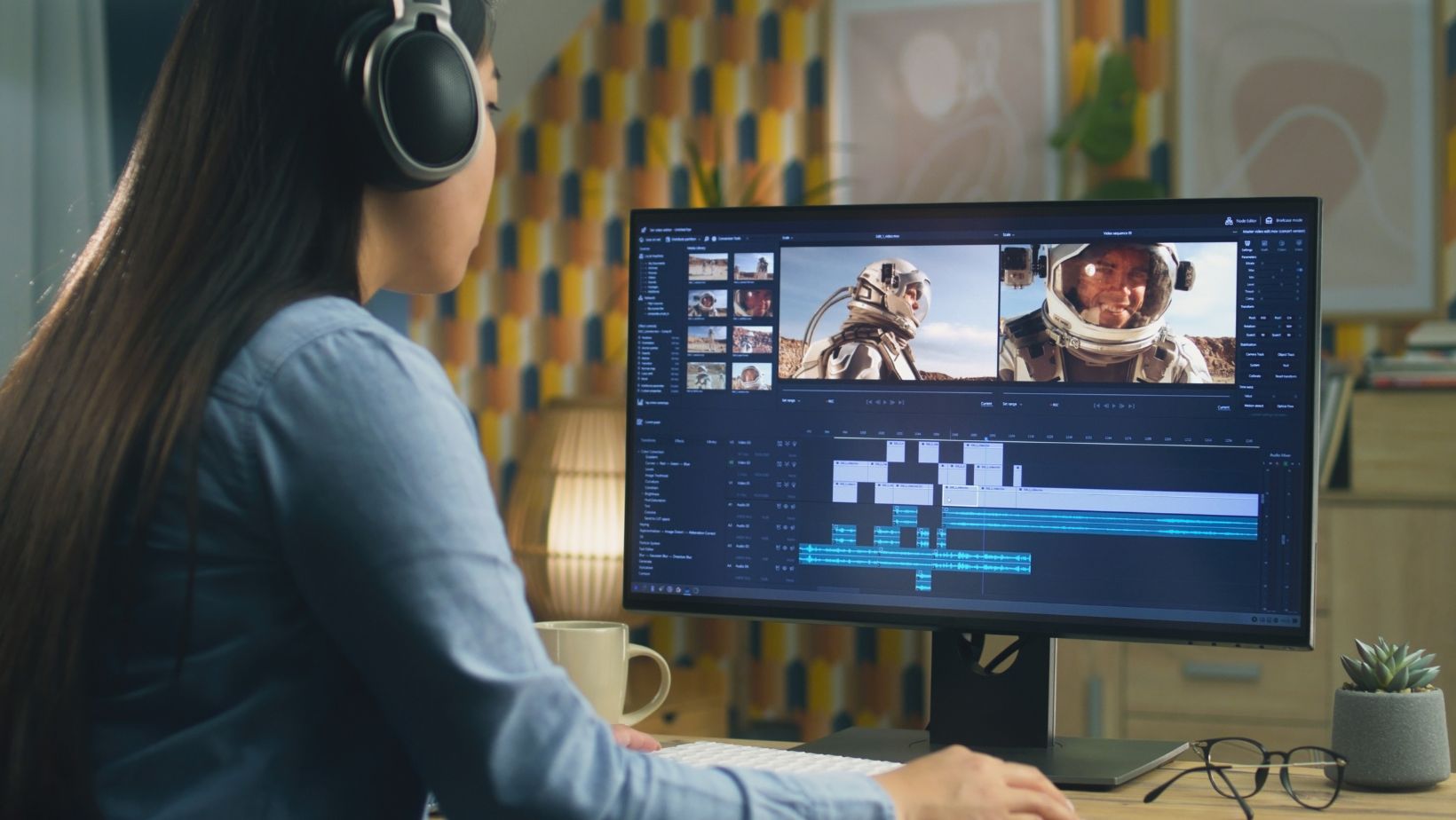
Another option lies outside hardware. Editors who want to streamline their workflow can look at software enhancements instead of new machines. For example, Premiere Pro templates provide ready-made intros, transitions, logo reveals, and titles. With intuitive search filters, creators can quickly find and apply professional-quality designs. A subscription unlocks unlimited downloads, giving editors a way to upgrade their final product without investing in new equipment.
Mini PCs and software solutions both help editors achieve better results. One focuses on performance and portability, the other on creative efficiency.
Mac vs. Windows PC Builds
Choosing between Mac and Windows depends on workflow and priorities. Both platforms deliver strong results, but they excel in different areas.
Apple Silicon (M3/M4 Macs)
Apple’s latest chips integrate CPU, GPU, and memory into one package. This design offers high efficiency and strong performance in video editing tasks. Macs run quietly, consume less power, and come with optimized software like Final Cut Pro. The downside is limited upgrade options and higher initial cost.
Custom Windows PCs
Windows systems give editors flexibility. You can select each component, replace parts over time, and match performance to budget. High-end GPUs and CPUs often arrive on Windows first, giving an edge for raw performance. However, power draw is higher, and stability depends on careful component selection.
Pros and Cons at a Glance
- Mac: efficient, quiet, reliable ecosystem, but expensive and non-upgradable.
- Windows PC: customizable, scalable, often better price-to-performance, but less streamlined and bulkier.
For mobile creators who value simplicity, Macs remain a strong choice. For professionals who want maximum control or workstation-level builds, Windows PCs still lead.
Conclusion
A video editing PC is only as strong as its balance. CPU, GPU, RAM, and storage must work together to deliver smooth playback and fast renders. Skewing too much toward one component creates bottlenecks and wasted performance.
The right build depends on workflow and budget. Light 1080p projects require less power than complex 8K timelines with heavy effects. Matching hardware to actual needs avoids overspending.
Upgrades over time make more sense than buying everything at once. Extra RAM, faster storage, or a stronger GPU can extend the life of a system without replacing the whole machine.
Build smart, plan for growth, and let your projects guide the investment.