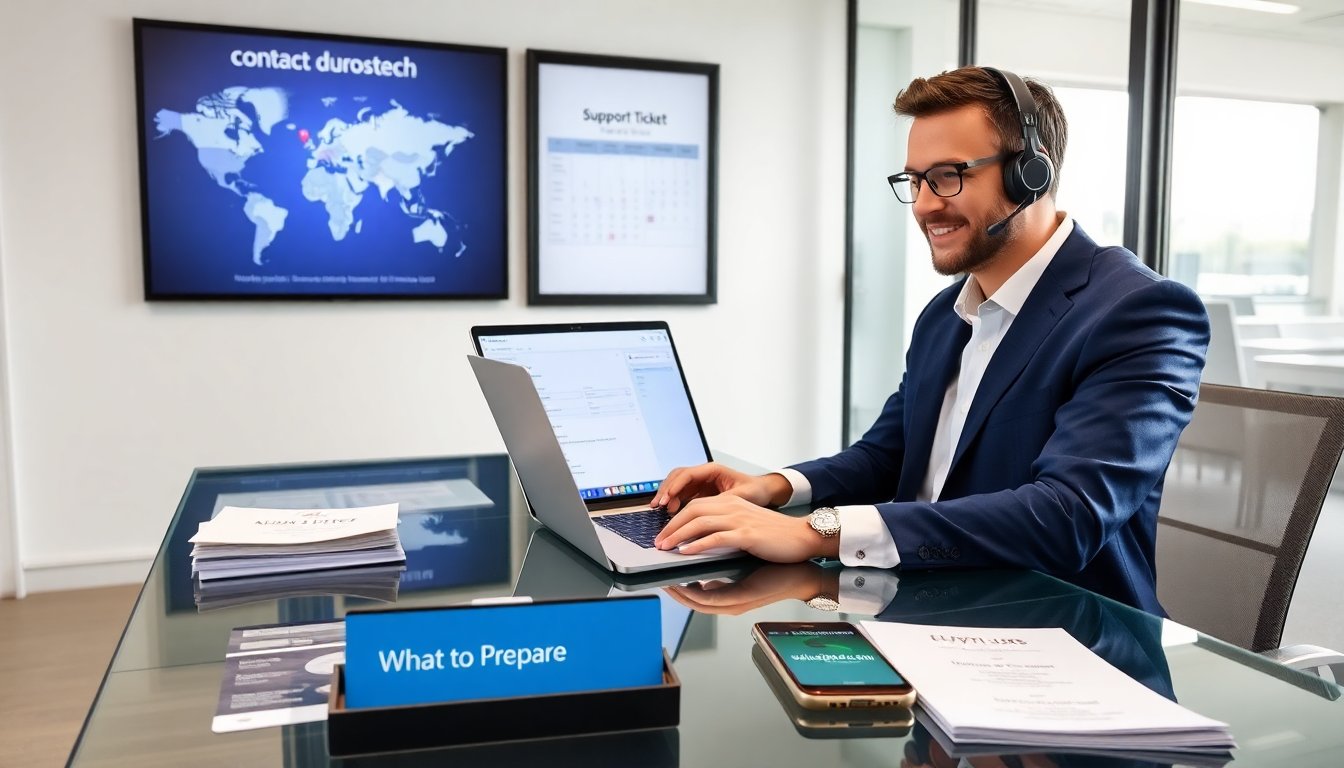
Users who need to contact durostech will find clear steps here. This guide lists official channels, locations, and hours. It explains what documents and details the user must gather. It shows expected response times and how the user can speed up resolution. The reader will save time and get the right contact path for support, sales, or partner requests.
Key Takeaways
- To contact durostech, use official channels like the Help Center for support tickets, [email protected] for non-urgent issues, and [email protected] or the sales inquiry form for sales requests.
- Prepare essential details before contacting durostech, including product information, serial numbers, and clear descriptions to ensure faster and accurate assistance.
- Durostech’s regional offices operate Monday to Friday with specific business hours; schedule calls accordingly and check for holiday closures before reaching out.
- Response times vary by incident priority, with urgent issues addressed within four business hours; always request a ticket number for tracking and follow-up.
- Use clear subject lines and concise communication, and attach relevant logs or documents using cloud links for large files to speed up resolution.
- Registered partners should use the partner portal and contact partner managers directly for efficient support and escalations.
Official Contact Channels, Locations, And Business Hours
Durostech publishes primary contact options on its main site. To email contact durostech for support, the user can open a support ticket from the Help Center. The site lists a phone number for urgent incidents. The user can also email [email protected] for non-urgent cases. To contact durostech for sales, the user can use the sales inquiry form. The form routes messages to regional representatives. The user can also email [email protected] to request quotes or product demos.
Durostech lists regional office addresses on its Contact page. The North America office accepts visits by appointment only. The Europe office handles EU customer contracts and warranty claims. The Asia-Pacific office manages distributor and partner relations. The user should check the Contact page before traveling. The page shows street addresses, regional phone numbers, and a map.
Durostech posts business hours by region. The North America office hours read Monday to Friday, 9:00 AM to 5:30 PM ET. The Europe office hours read Monday to Friday, 9:00 AM to 6:00 PM CET. The Asia-Pacific office hours read Monday to Friday, 9:00 AM to 6:00 PM SGT. The user should schedule calls within those windows. The company posts holiday closures on the site. The user should check local holidays before expecting a live reply.
Durostech maintains official partner channels. Registered partners get access to a partner portal. The portal provides contact links to partner managers. The user who works with a distributor should contact the assigned distributor first. The distributor will escalate to durostech if needed. The user should avoid unofficial social channels for account or billing issues. The company confirms that secure channels protect account data.
What To Prepare Before You Contact Durostech (Support, Sales, Partnerships)
A clear request speeds every interaction. The user should write a short summary of the issue or need. The summary should state the product name, model, and firmware or software version. The user should include the serial number for hardware support. The user should attach screenshots or log files for software problems. The user should list steps already tried and the exact error messages.
For sales requests, the user should list desired products and quantities. The user should state shipping country, expected delivery date, and budget constraints. The user should include company details, tax ID, and billing address for faster quotes. The user who requests a demo should propose two or three time windows and state preferred communication tools, such as Zoom or Microsoft Teams.
For partnership discussions, the user should prepare a short company profile. The profile should state company size, market focus, and distribution channels. The user should include recent sales figures or client references when possible. The user should explain the partnership goal, for example resale, OEM, or systems integration. The user should attach a one-page capability statement or product sheet.
The user should confirm account permissions before contacting support. The account owner should authorize any staff who will discuss billing or contracts. The user should verify contract numbers and purchase order numbers when available. The user who needs RMA must provide proof of purchase and warranty details. The user should compress large files and attach them to the ticket or upload them to the partner portal to avoid email size limits.
Finally, the user should check the knowledge base. Durostech publishes troubleshooting guides and quick-start checklists. The user may find an answer faster there. The user should note the article title or ID to share in the ticket.
Response Times, Escalation Paths, And Tips For Faster Resolution
Durostech defines standard response times by channel and priority. The company aims to reply to support tickets within four business hours for P1 incidents. The company aims to reply within one business day for P2 incidents. The company aims to reply within three business days for P3 and lower priorities. The user can expect longer times during regional holidays.
For phone calls, the user who calls during business hours will reach front-line support or sales. The front-line agent will log the case and assign a priority. The agent will escalate the case to a specialist if the issue requires technical intervention. The user should request a ticket number during the call. The ticket number helps the user track progress and reference the case in follow-ups.
For email, the user should include the phrase “Support Ticket” or “Sales Inquiry” in the subject line. The user should include the serial number or quote ID in the subject line to speed routing. The user should attach logs and a short reproduction guide. The user should avoid large attachments and instead share a link to cloud storage when files exceed 10 MB.
Durostech maintains formal escalation paths. The user can request escalation to a technical lead if the issue remains unresolved after the first response. The user can request management review for billing disputes after the initial support cycle. The user who is a registered partner can contact their partner manager directly for faster handling. The partner manager can open an expedited ticket and arrange scheduled calls.
Tips to speed resolution: use clear subject lines, provide timestamps for events, include exact error text, and name affected systems. The user should keep replies concise and add new details only when relevant. The user should keep one communication thread per issue to avoid fragmentation. The user who needs an urgent update should call the regional support number and reference the ticket number. The user who follows these steps will reduce back-and-forth and get faster answers.