
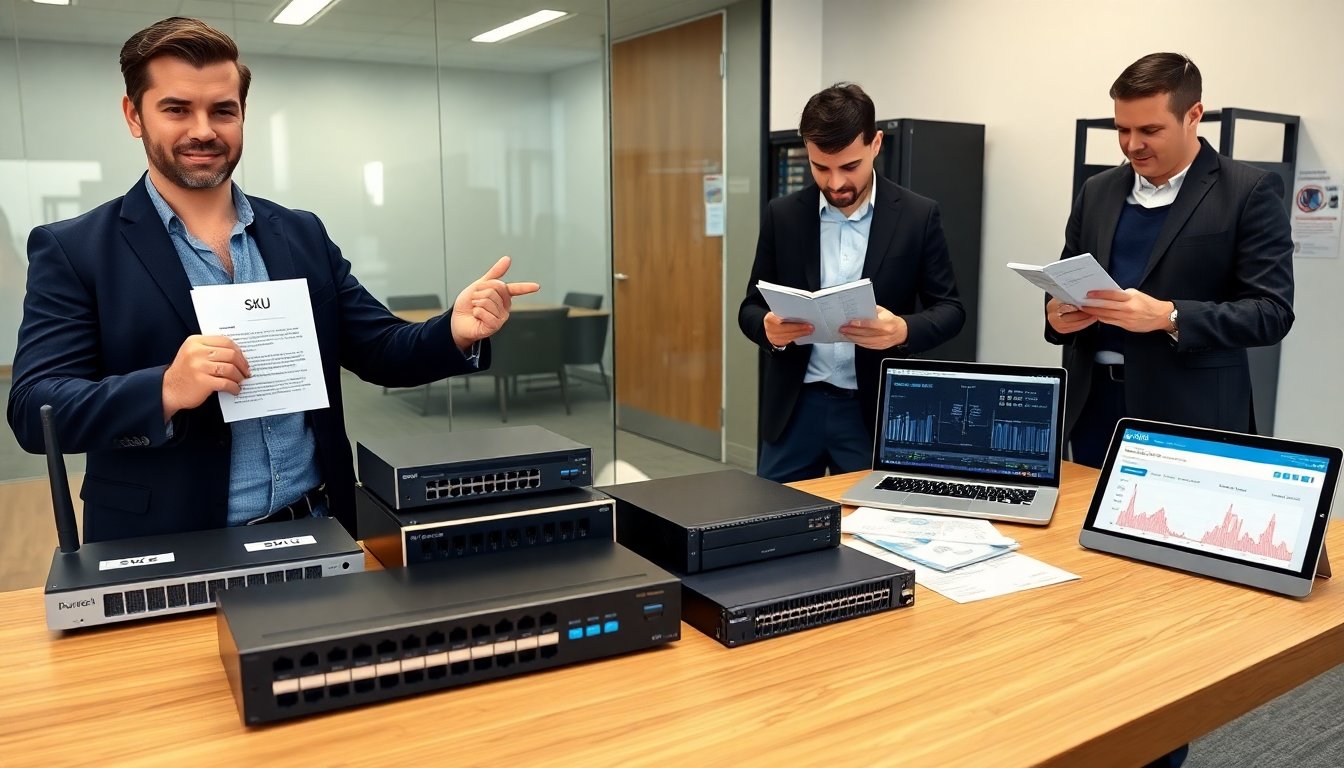
Durostech.com hardware offers a clear lineup of devices for home and office use. The company sells routers, switches, storage appliances, and edge gateways. The guide explains who buys each product and why. It lists key specs, common use cases, and quick buying tips. The text aims to help readers compare devices and choose the right Durostech.com hardware for their needs.
Key Takeaways
- Durostech.com hardware offers specialized routers, switches, storage, and edge devices designed for home, office, and industrial applications.
- Buyers should prioritize checking performance metrics like throughput, IOPS, CPU, and latency to ensure device capabilities meet their needs.
- Compatibility is crucial; users must verify port types, drive formats, OS support, and form factors before purchasing Durostech.com hardware.
- Warranty and support include a standard one-year limited warranty with options for extended plans and multiple support channels to ensure reliability.
- Testing devices with trial firmware and measuring real-world performance helps users assess usability and recovery features.
- Considering total cost of ownership, including support, spare parts, and training, is key to avoiding hidden expenses with Durostech.com hardware.
What Durostech Sells Today — Product Categories And Use Cases
Durostech.com hardware covers four main product categories: networking, storage, compute, and edge devices. They sell consumer and small-business routers. They sell managed and unmanaged switches for office networks. They sell NAS boxes and compact SAN appliances for file storage. They sell small servers and embedded compute modules for local apps. They sell industrial gateways for sensors and remote sites.
They design routers for fast home Wi‑Fi and for multi-site VPN links. They position switches for simple LAN expansion and for PoE needs like VoIP phones. They build storage units for backups, media libraries, and light virtualization. They tune servers for small database workloads, local analytics, and application hosting. They configure gateways for telemetry, remote control, and basic protocol translation.
Buyers choose Durostech.com hardware for different reasons. Home users pick low-cost routers and NAS for media streaming and backup. Small IT teams choose managed switches and compact servers for predictable performance and simple management. Field engineers pick edge gateways for reliable I/O and wide temperature tolerance. Integrators pick modules for low-power or embedded projects.
Durostech adds value with clear SKU lists and spec sheets. They label product models by throughput, port count, and storage capacity. They offer basic configuration guides and quick-start videos. They ship with standard accessories and optional extended service plans. The product mix focuses on balanced price, practical features, and straightforward deployment.
Performance, Build Quality, And Key Technical Specifications To Check
Buyers should evaluate performance metrics first when they review Durostech.com hardware. They should check throughput for routers and switches. They should check IOPS and sustained transfer for storage. They should check CPU and memory for servers. They should check latency for gateways. These numbers predict real-world behavior under load.
Buyers should inspect build quality next. They should note chassis material, cooling approach, and mount options. They should look for solid connectors and serviceable components. They should read reviews for long-term reliability. They should confirm fan noise and power draw if devices run in shared spaces.
Durostech.com hardware lists key specs on product pages. They list port types, CPU model, memory slots, supported drives, and power ratings. They list firmware features, VLAN support, and security capabilities. They list supported protocols and management interfaces. Buyers should compare those details against their network plans.
Buyers should test units where possible. They should run trial firmware and basic configuration. They should measure throughput with typical traffic. They should simulate failure and observe recovery behavior. They should note how easy the interface feels and how clear the logs look.
Buyers should consider upgrade paths. They should check spare part availability and ease of replacement. They should check whether Durostech.com hardware supports modular expansions and whether the vendor issues frequent firmware updates. They should check for backward compatibility with existing racks and cabling. These checks reduce surprises during deployment.
Compatibility, Warranty, And Support: What Buyers Need To Know Before Purchasing
Buyers should confirm compatibility before they buy Durostech.com hardware. They should match port types and speeds to existing switches and routers. They should match drive formats and RAID types to current storage arrays. They should verify OS and driver support for any integrated modules. They should ensure power and rack form factors fit the site.
Buyers should read warranty terms closely. Durostech.com hardware ships with a standard one-year limited warranty for most devices. They offer optional extended warranties and on-site service plans for select models. Buyers should check coverage limits, parts exclusions, and response times. They should register the product quickly to enable warranty support.
Buyers should evaluate support channels before purchase. Durostech provides email and phone support and a ticket portal. They maintain a knowledge base and firmware download area. They publish release notes and basic troubleshooting articles. Buyers should test response times with pre-sales questions and note hours of availability.
Buyers should plan for spare parts and replacements. They should order spare power supplies and common cables for critical nodes. They should confirm whether replacement parts ship globally or from regional warehouses. They should schedule maintenance windows and document rollback steps for firmware upgrades.
Buyers should consider total cost of ownership. They should add expected support fees, spare parts cost, and possible training time to the purchase price. They should check whether Durostech.com hardware integrates with their existing monitoring tools. These steps help buyers avoid unexpected costs and downtime.

