
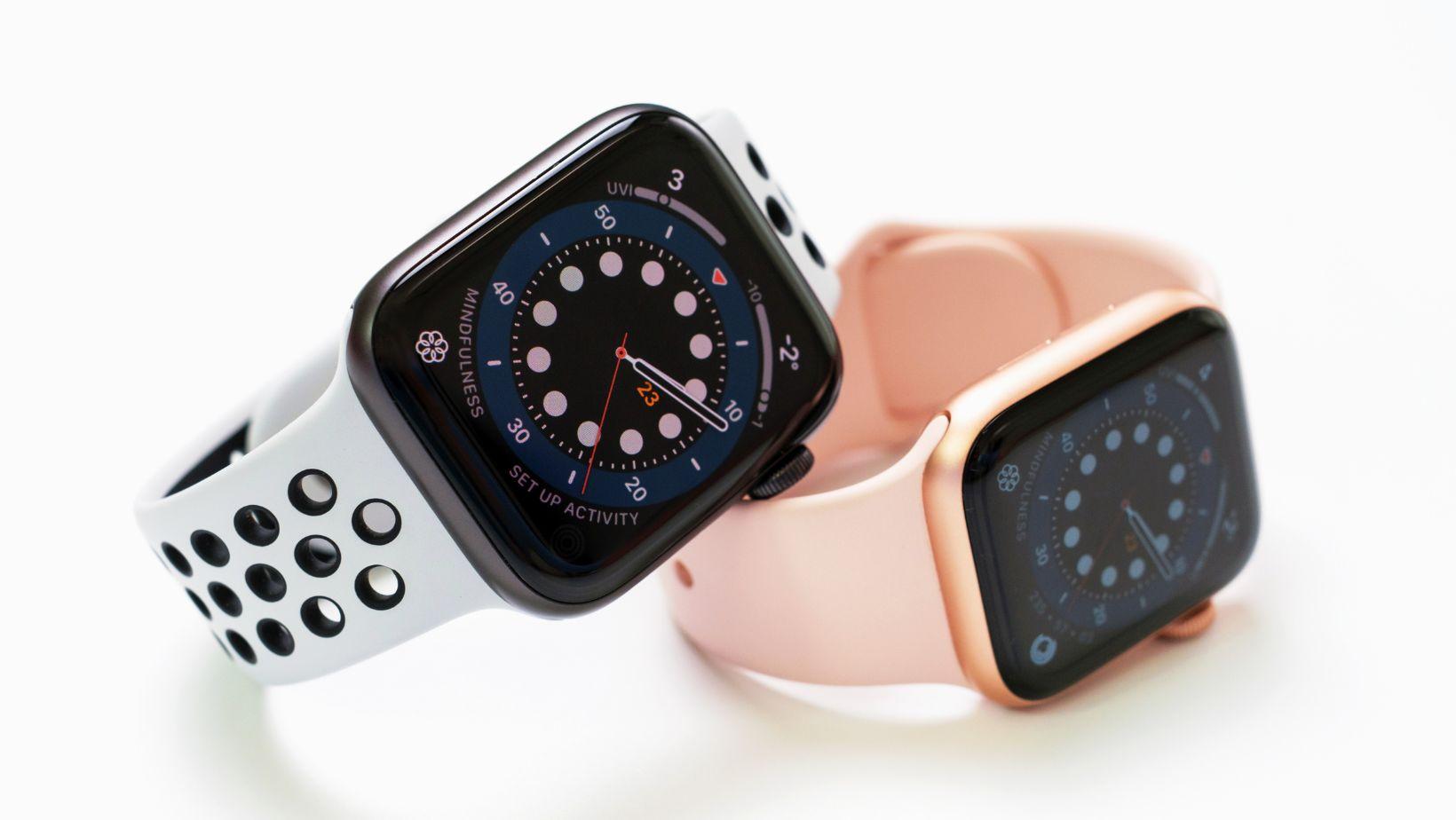
An Apple Watch holds up well as a resale item, but it’s tied more tightly to its owner’s identity than most secondhand electronics, thanks to activation lock and its deep pairing relationship with a specific iPhone. Skipping even one step in the prep process can leave a device unusable for its next owner, or worse, leave personal health and location data accessible after it’s already left your hands. Working through preparation in the right order avoids both problems and generally results in a smoother transaction, whether you’re listing on a marketplace or sending it to a buyback platform.
Why Preparation Matters More Than It Seems
Apple designed the Watch to work as an extension of a paired iPhone rather than a fully independent device, which means unpairing and resetting it correctly involves more than the simple factory reset most other electronics require. A Watch that isn’t properly unpaired can remain locked to the original owner’s Apple ID indefinitely, making it effectively worthless to a buyer even if every other aspect of the device is in excellent condition. Getting this right from the start protects both the seller’s data and the value of the sale itself.
Unpairing From Your iPhone the Right Way
The unpairing process should always start on the paired iPhone rather than the Watch itself, since this method automatically backs up the Watch’s data and disables activation lock as part of the same step. Opening the Watch app on the iPhone, selecting the paired device, and choosing the unpair option walks through this process directly, and the phone will typically prompt for confirmation before proceeding since the action can’t be easily undone once complete.
This built-in method is significantly more reliable than attempting to reset the Watch independently through its own settings menu, since unpairing through the iPhone handles both the data backup and the account disconnection in a single coordinated process. If you plan to sell your Apple Watch, treat this step as the starting point of preparation rather than an optional shortcut, since skipping it in favor of a standalone reset can leave activation lock partially active even when the Watch appears to have been wiped.
Removing Activation Lock Completely
Even after unpairing through the iPhone, it’s worth confirming that activation lock has actually been removed, since this feature is what most frequently causes secondhand Apple Watches to be rejected by buyers or resale platforms. Checking the Watch’s settings menu for any remaining Apple ID association, or attempting a fresh setup process as if activating a new device, confirms whether the lock has been fully cleared.
For Watches connected to a cellular plan, there’s an additional step worth checking: contacting the carrier to remove the device from the account’s connected devices list, since a lingering cellular association can cause confusion or connectivity issues for the next owner even after activation lock itself has been cleared. Sellers hoping to sell an Apple Watch through a platform that verifies device status before issuing payment should expect this check to happen during processing, and confirming it beforehand avoids delays or a reduced offer if the platform’s inspection turns up an active lock.
Protecting Personal Data Beyond the Reset
The unpairing and reset process clears most personal data automatically, but a few additional details are worth checking separately, particularly for anyone who used the Watch for health tracking, payment services, or family sharing features. Apple Pay information tied to the Watch should be removed through the iPhone’s Wallet settings if it wasn’t automatically cleared during unpairing, since a lingering card association, while not usable by a new owner, is worth confirming as removed for peace of mind.
Health and fitness data stored on the Watch typically syncs to the Health app on the paired iPhone rather than staying uniquely on the device itself, but sellers who used the Watch for specific health monitoring, including data shared with a doctor or fitness program, may want to export or review that information before the unpairing process clears it from the Watch’s local storage. Family Setup configurations, used for Watches set up for children or family members without their own iPhone, require their own separate removal process through the Family Sharing settings, since a standard unpair doesn’t always fully disconnect this type of account relationship.
Documenting Condition Accurately
With the Watch fully unpaired and data cleared, the final preparation step is documenting its physical and functional condition honestly. Buyers and resale platforms both rely on accurate condition reporting to determine a fair offer, and overstating condition typically results in a lower final price once the discrepancy is discovered during inspection. A thorough documentation pass should cover:
Taking clear photos from multiple angles during this step, showing both the front and back of the Watch along with any existing wear, supports whichever sales channel is ultimately chosen and reduces the chance of disputes after a sale is agreed upon.
Getting a Fair Offer Once Everything Is Ready
With unpairing, activation lock removal, data protection, and condition documentation complete, the last step is comparing where to actually sell. Instant-quote buyback services like PayMore offer a fast, straightforward option based on reported model, condition, and included accessories, which works well for sellers who’d rather avoid the extra effort of a marketplace listing. Checking a quote against a couple of other sources before committing helps confirm the offer reflects genuine current demand for that specific model and condition rather than settling for the first number seen.
Key Takeaways
Preparing an Apple Watch for resale depends on following a specific sequence rather than treating it like any other secondhand electronic. Unpairing through the iPhone first, confirming activation lock has been fully removed, protecting any remaining personal or health data, and documenting condition honestly all work together to avoid a rejected sale or a lower-than-expected offer. Taking the time to complete each step properly turns a Watch that’s no longer in regular use into a straightforward, fairly priced sale rather than a device stuck in limbo because of an incomplete reset.

